Nesting software for CNC, laser, plasma, and signage
Nest more.
Waste less.
True-shape nesting for laser, CNC, plasma, vinyl, and print & cut, right in your browser. Free for SVG, no install.
- Runs in your browser
- Your files stay on your computer
- Free to start
True-shape nesting
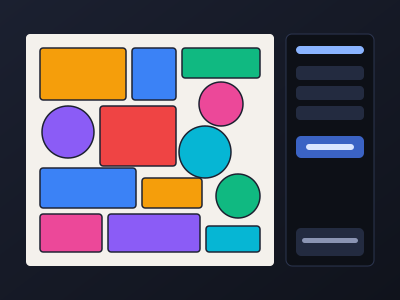
Packs each part by its real outline, holes included.

Part-in-Part Pro
Seats small parts inside holes and openings.

Fill Container Pro
Fills a shape with your parts, or nests around it and keeps it clear.
Plugin for Adobe Illustrator Pro
On its way: nest right on your artboard in Adobe Illustrator.
Real results
More parts. Less waste.
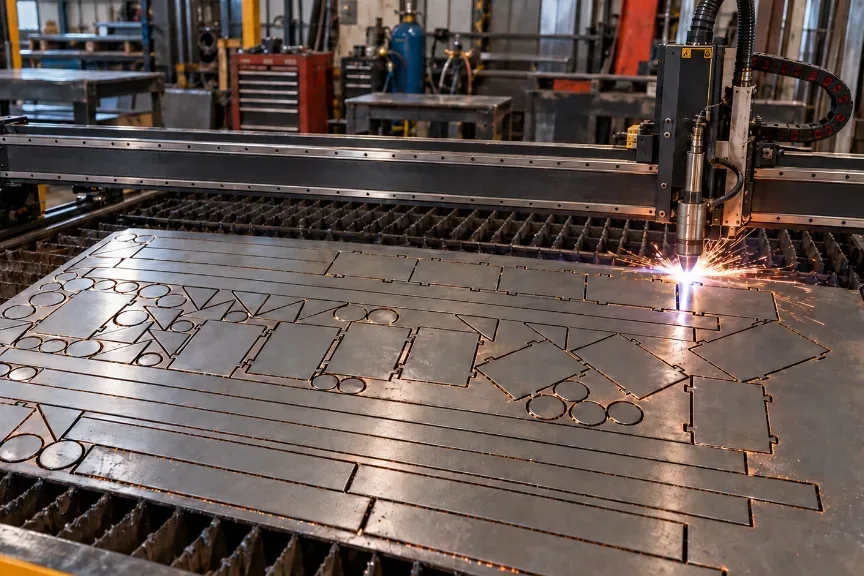
Real nests from the app, next to the kind of job they're cut for. Parts pack tight to one end, so the offcut stays in one piece.
Start nesting free →
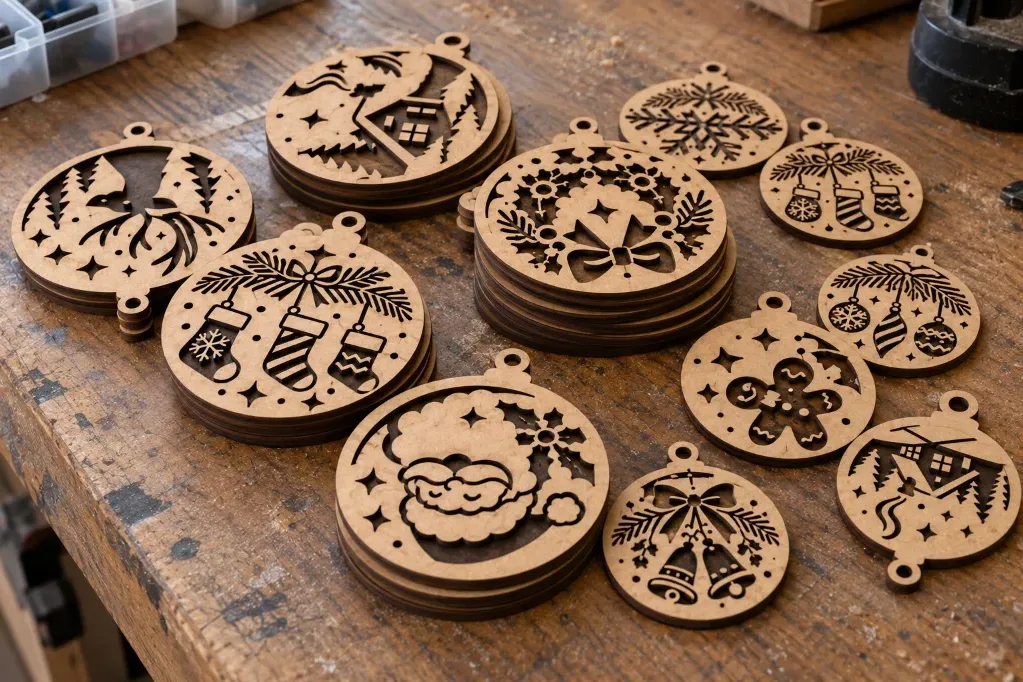
Laser cutting
More parts. Less material.
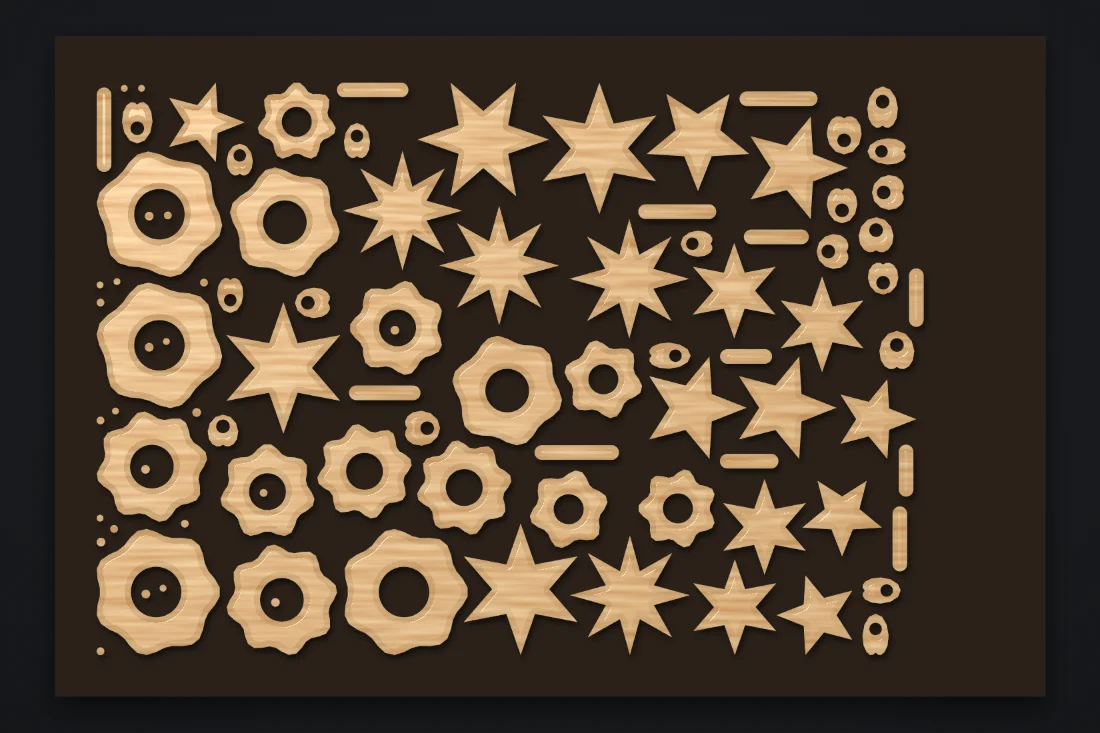
Nest detailed shapes tightly together to maximize every sheet of wood, acrylic, or metal and reduce costly material waste.
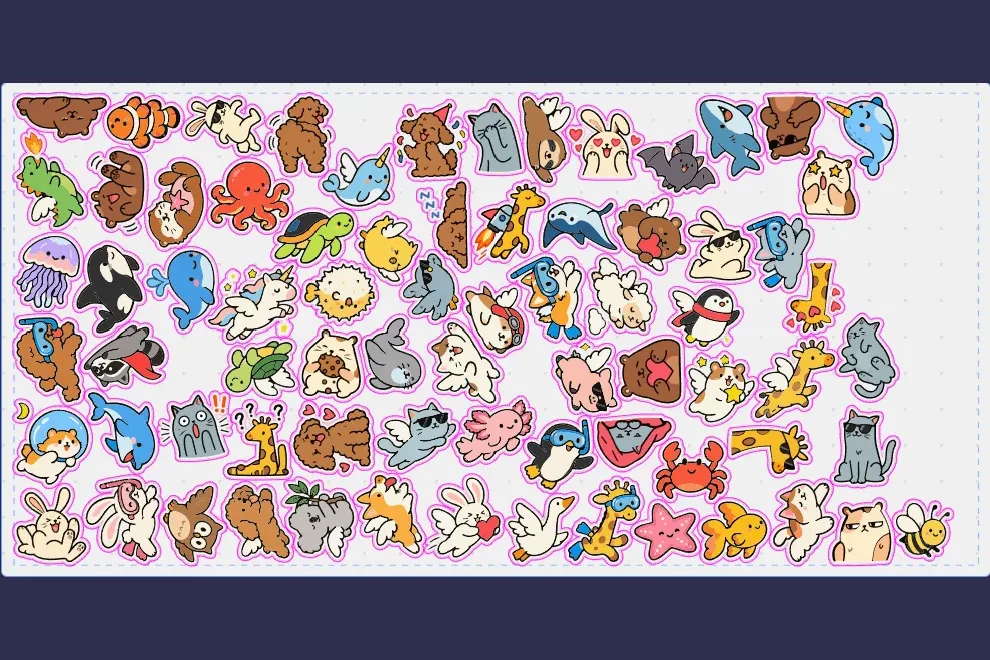
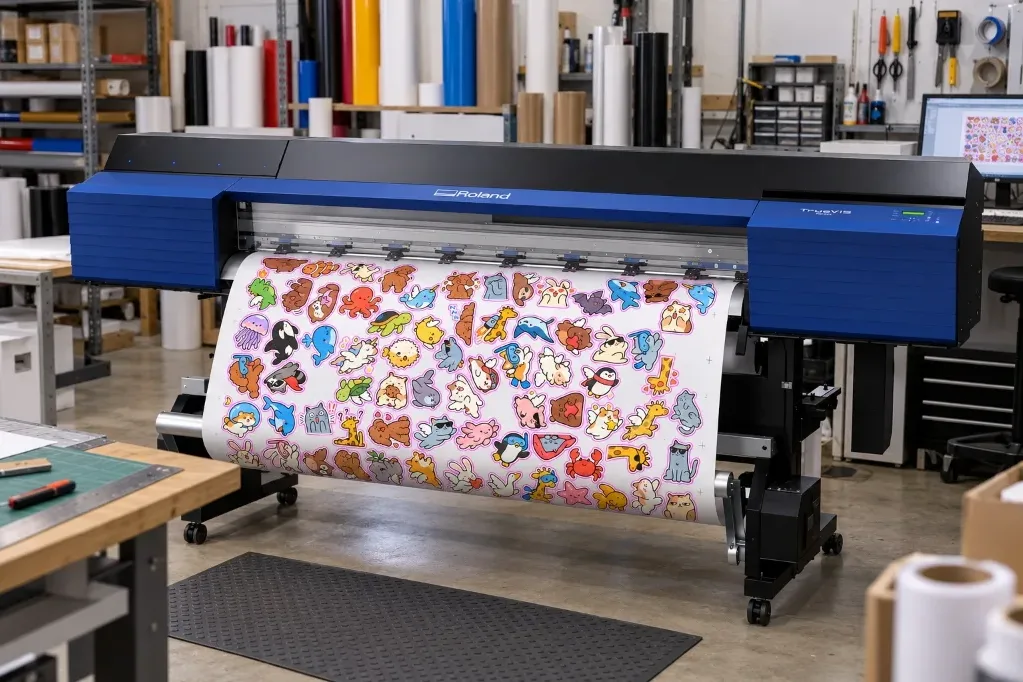
Print & Cut
Print smarter. Cut more in one job.
Nest artwork and cut paths together to minimize media waste and keep more finished pieces on every roll or sheet.
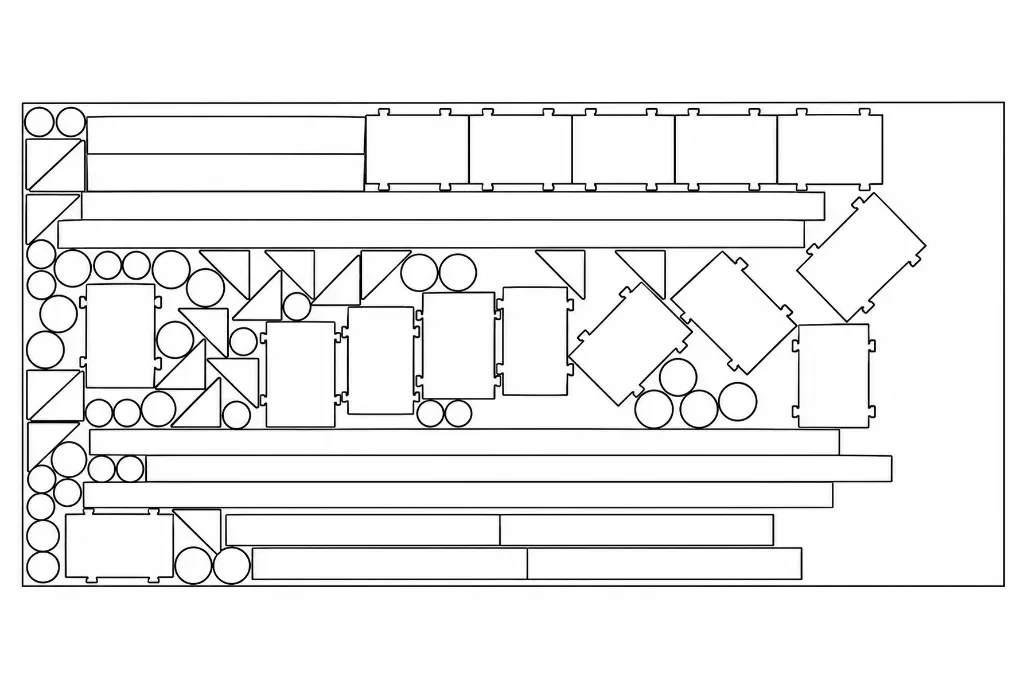
CNC / Plasma
Maximize every sheet.
Pack parts efficiently against a preferred edge to reduce scrap, preserve usable offcut, and get more jobs from every sheet.
Built for real work
Everything you need to nest with confidence.
From simple shapes to complex parts with holes: set the sheet, press Nest, and export a clean, ready-to-cut file.
-
Max Fill Pro
Keeps adding whole sets until the sheet is full. Random Fill scatters parts evenly over the sheet or a shape instead.
-
Sheet and spacing
Set the sheet size, spacing between parts, margin, and inches or millimetres.
-
Effort you choose
Fast nests on every plan. Balanced and Precise, for tighter layouts, on Pro.
-
Spacing check before export
Export checks the spacing between parts first and tells you if any are too close.
-
True outlines out
Exported files carry each part's real outline, placed where the nest put it.
-
Extra sheets Pro
When the parts don't fit on one sheet, the nest carries on onto the next one.
-
1
Import your parts
Open an SVG file. DXF, AI, LightBurn, PDF, EPS, and CorelDRAW import on Pro. Each closed shape becomes a part, with its holes kept.
-
2
Set the sheet and nest
Enter the sheet size, spacing and margin, then press Nest.
-
3
Export the sheet
Download the nested sheet with a free account. SVG and JPG export on every plan. DXF, PNG, AI, PDF, and EPS export on Pro.
Pricing
Start free. Upgrade when you need more.
Free is open to everyone. Pro is in beta and on sale now at the Beta early-bird rate - monthly or yearly on the pricing page.
Free
Available now
100 parts on one sheet. Try nesting free. An account is needed to download your nest.
- 100 parts per sheet
- One sheet
- SVG import
- Sheets up to 24 x 24 in (610 x 610 mm)
- Unlimited exports
- SVG and JPG export
- An account is needed to download your nest
- One free Pro nest and export once a week (signed in)
Pro RecommendedBeta
$9.99CA$13.99/month USD/month CAD$14.99CA$19.99
$99CA$139/year USD/year CAD$149.99CA$199
Beta early-bird rate, or $99/year - locked in while you stay subscribedBeta early-bird rate, or CA$139/year - locked in while you stay subscribed
Every feature, in beta: unlimited parts per sheet, extra sheets, any sheet size - and the plugin for Adobe Illustrator (coming).
- Everything in Free
- Unlimited parts per sheet
- Extra sheets for the rest
- Any sheet size
- DXF, AI, and LightBurn import
- PDF, EPS, and CorelDRAW import
- Paste from Illustrator and Multi-file import
- DXF and PNG export
- AI, PDF, and EPS export
- One file per sheet
- Part-in-Part, Max Fill, Fill Gaps, and Fill Container
- Balanced packing, precise packing, random rotation, greedy layout, knolling layout, and random fill
- Part rotation in 15° and 5° steps and 1 degree rotation
- Common Line
- Kerf and cut lines
- Mixed sheet sizes in one job
- Custom sheet shape and keep-out zones
- Sheet material
- Settings presets
- Mirrored set
- Part labels
- Placement templates
- Order batching
- Job reports
- PDF shop report (coming)
- Plugin for Adobe Illustrator (coming)
Pro is in beta: subscribe now and the Beta early-bird rate stays locked in while you stay subscribed.
Try it on your own parts
No install. Try nesting free. An account is needed to download your nest.
We only email sign-in links and account notices. No marketing, and we never sell it or share it for marketing.
Start nesting free →